

meta data for this page
Modifications – Crop
Crop outputs only part of its input image: a rectangular region, a set of spectral bands, or both.
A rectangular window

Enter a “window” of four numbers: the x and y position of the upper-left corner, then the width and height, in pixels. x is 0 at the left edge and increases to the right; y is 0 at the top and increases downward. Only the pixels inside the window pass through Crop. If you give no window, the full image is used.
A set of bands
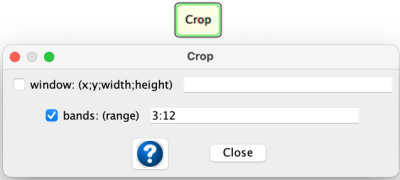
Enter “bands” to keep only some of the spectral bands. 3:12 outputs 10 bands, from band 3 to band 12. Bands use the same syntax as in ReadImage; see Spectral Band Arguments.
You can enter a window and bands at the same time. Crop then outputs only that region, with only those bands.